Docs Vertical Resource View
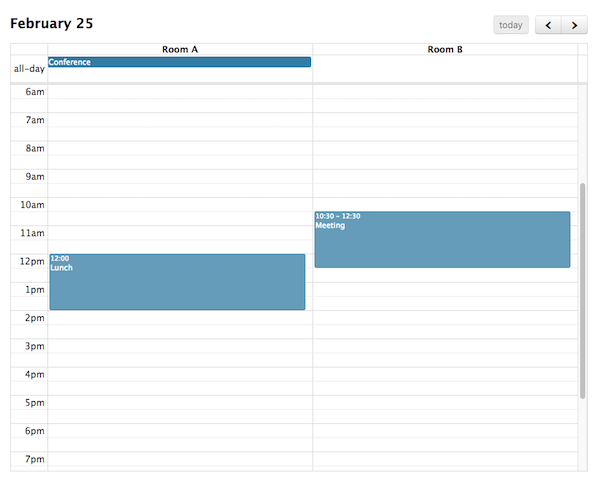
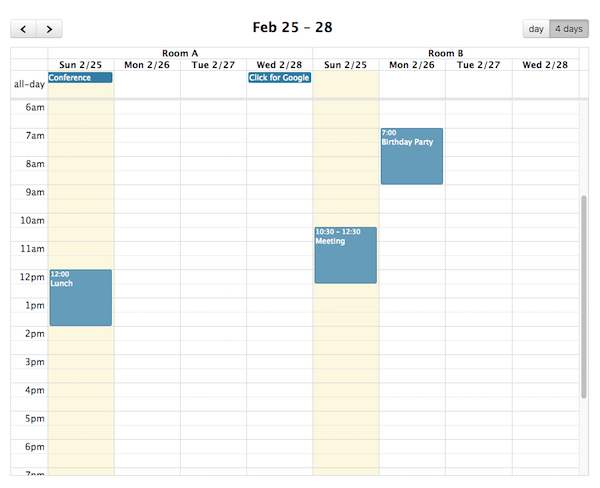
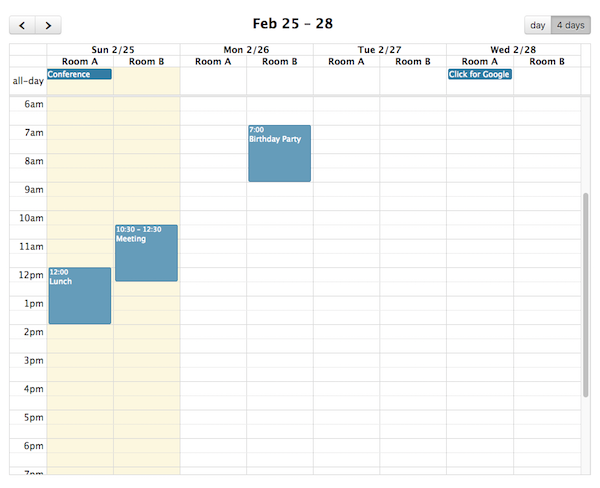
FullCalendar Premium provides TimeGrid view and DayGrid view with the ability to display resources as columns. For example, a TimeGrid day resource view can be initialized in an ES6 setup like so:
npm install --save fullcalendar-scheduler@rcimport { Calendar } from 'fullcalendar';
import resourceTimeGridPlugin from 'fullcalendar-scheduler/resource-timegrid';
...
let calendar = new Calendar(calendarEl, {
plugins: [ resourceTimeGridPlugin ],
initialView: 'resourceTimeGridDay',
resources: [
// your list of resources
]
});
...Or, you can choose to initialize it with the fullcalendar-scheduler global bundle:
<script src='<fullcalendar-dist>/all.global.js'></script>
<script src='<fullcalendar-scheduler-dist>/all.global.js'></script>
<script src='<fullcalendar-dist>/themes/monarch/global.js'></script>
<link href='<fullcalendar-dist>/skeleton.css' rel='stylesheet' />
<link href='<fullcalendar-dist>/themes/monarch/theme.css' rel='stylesheet' />
<link href='<fullcalendar-dist>/themes/monarch/palettes/purple.css' rel='stylesheet' />
<script>
...
var calendar = new FullCalendar.Calendar(calendarEl, {
  initialView: 'resourceTimeGridDay',
  resources: [
    // your list of resources
  ]
});
...
</script>
DayGrid requires a similar setup »
The following options are specific to Vertical Resource view. However, there are numerous other options throughout the docs that affect the display of Vertical Resource view, such as the locale-related options, date/time display options, and resource display options.