Docs Resource Display
Control the visual aspects of your resources, such as ordering and text.
resourceOrder
Determines the ordering of the resource list.
filterResourcesWithEvents
When this setting is activated, only resources that have associated events will be displayed.
Resource Day Header Render Hooks
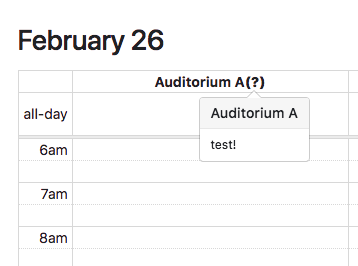
In Resource DayGrid and Resource TimeGrid views, a "resource day header" is the cell in the column header that displays a resource's name.
See Also
Timeline View
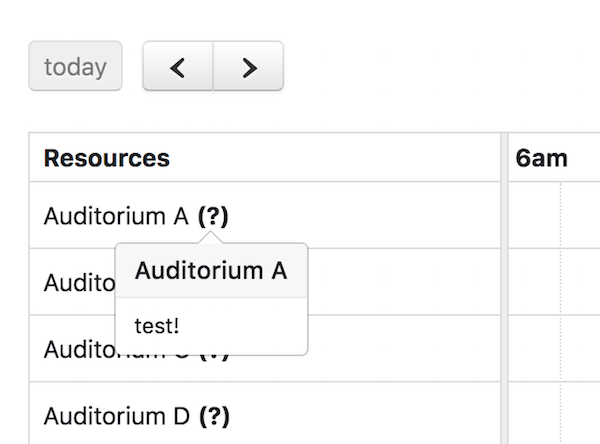
FullCalendar Premium provides a view called "timeline view" with a customizable horizontal time-axis and resources as rows.
Vertical Resource View
FullCalendar Premium provides TimeGrid view and DayGrid view with the ability to display resources as columns. For example, a TimeGrid day resource view can be initialized in an ES6 setup like so: