Docs Timeline View

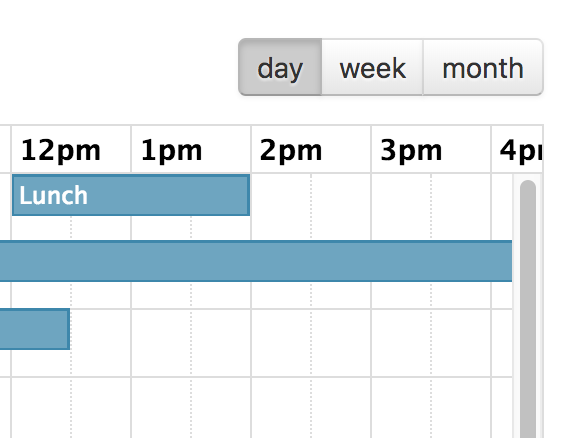
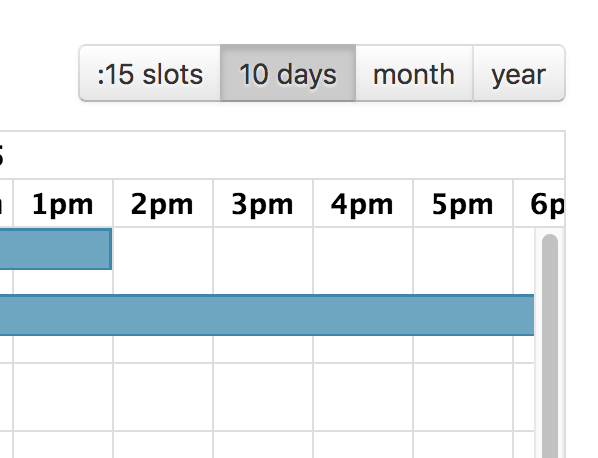
FullCalendar Premium provides a view called “timeline view” with a customizable horizontal time-axis and resources as rows.

The following pre-configured timeline views are available: timelineDay, timelineWeek, timelineMonth, and timelineYear. They can be initialized in an ES6 setup like so:

npm install --save \
  @fullcalendar/core \
  @fullcalendar/resource \
  @fullcalendar/resource-timeline
import { Calendar } from '@fullcalendar/core';
import resourceTimelinePlugin from '@fullcalendar/resource-timeline';
...
let calendar = new Calendar(calendarEl, {
  plugins: [ resourceTimelinePlugin ],
  initialView: 'resourceTimeline',
  resources: [
    // your resource list
  ]
});
...

Or, you can choose to initialize Timeline view with the fullcalendar-scheduler global bundle:

<script src='fullcalendar-scheduler/dist/index.global.js'></script>
<script>
...
var calendar = new FullCalendar.Calendar(calendarEl, {
  initialView: 'resourceTimelineWeek',
  resources: [
    // your resource list
  ]
});
...
</script>

If you need a different duration, make a custom view with type 'resourceTimeline':

var calendar = new Calendar(calendarEl, {
  initialView: 'resourceTimelineFourDays',
  views: {
    resourceTimelineFourDays: {
      type: 'resourceTimeline',
      duration: { days: 4 }
    }
  }
});

When creating a custom-duration view, reasonable defaults for the slot-related settings will automatically be chosen.

The following options are specific to Timeline view. However, there are numerous other options throughout the docs that affect the display of Timeline view, such as the locale-related options, date/time display options, and resource display options.
Resource Column Header Render Hooks
The "resource column header" is above the resource data and displays the text "Resources" by default.
Resource Column Divider Render Hooks
Customize the divider line between the resource datagrid area and the timeline area.
Resource Header Row Render Hooks
Customize the header rows of the resource datagrid area in Timeline view.
Resource Row Render Hooks
Customize the body rows of the resource datagrid area in Timeline view. Does not apply to resource-group header rows within the body.
Resource Cell Render Hooks
In Resource Timeline view, "resource cells" are the cells in the resource area on the left side of the view. Each cell corresponds to a column field (such as the resource title or a custom column from resourceColumns). These hooks also fire for resource-group cells — when arg.resource is absent, the cell belongs to a group row rather than an individual resource.
Resource Expander Render Hooks
In hierarchical Resource Timeline view, customize the indent and expander elements that appear in front of each resource row.
Resource Lane Render Hooks
A resource "lane" is an element in resource-timeline view. It runs horizontally across the timeline slots for each resource.
Resource Group Header Render Hooks
In resource timeline view, a resource group "header" is where a group's name is displayed, at the top of each row group.
Resource Group Lane Render Hooks
In resource timeline view, a resource group "lane" is the horizontal area running along the time slots.
Non-Resource Timeline Render Hooks
Customize elements specific to Timeline view without resources.
See Also
eventMaxStack
For timeline view, the maximum number of events that stack top-to-bottom. For timeGrid view, the maximum number of events that stack left-to-right.
dateClick
Triggered when the user clicks on a date or a time.
slotDuration
The frequency for displaying time slots.
slotLabelFormat
Determines the text that will be displayed within a time slot.
slotLabelInterval
The frequency that the time slots should be labelled with text.
slotMinTime
Determines the first time slot that will be displayed for each day.
slotMaxTime
Determines the last time slot that will be displayed for each day. In line with the discussion about the Event object, it is important to stress that this should be specified as an exclusive end time.
Slot Header Render Hooks
Customize the slot header elements — where the date/time text is displayed — in timegrid and timeline views.
Slot Lane Render Hooks
Customize the slot lane elements in timegrid and timeline views. The lane is the long span of content next to the slot's date/time text. In timegrid view, this is the horizontal space that passes under all of the days. In timeline view, this is the vertical space that passes through the resources.
expandRows
If the rows of a given view don't take up the entire height, they will expand to fit.
nowIndicator
Whether or not to display a marker indicating the current time.
scrollTime
Determines how far forward the scroll pane is initially scrolled.
eventDrop
Triggered when dragging stops and the event has moved to a different day/time.
eventReceive
Called when an external draggable element with associated event data was dropped onto the calendar. Or an event from another calendar.

Demos:

Various Resource-Timeline Views
Custom-duration timeline views
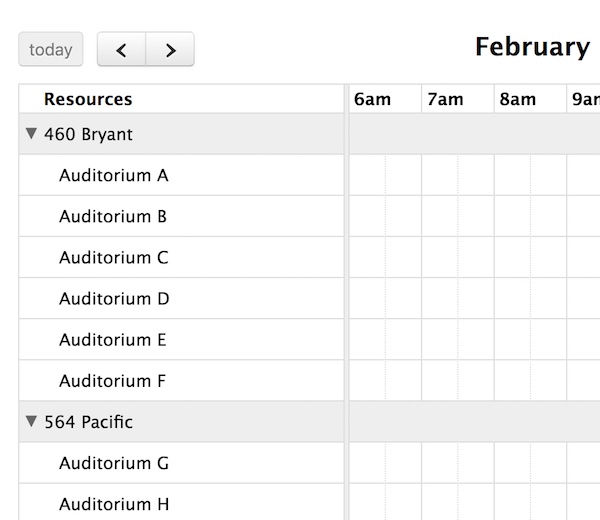
Timeline view resource grouping
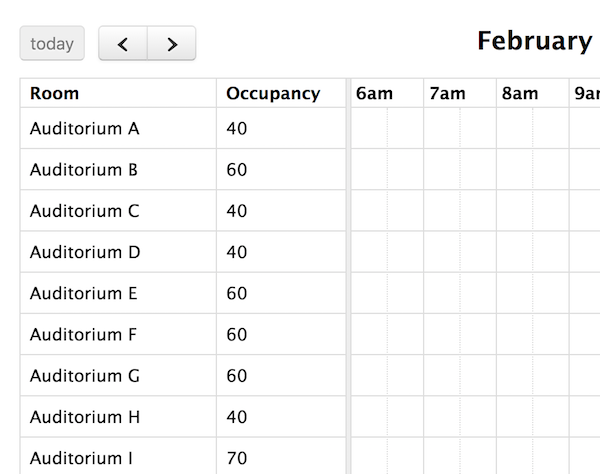
Timeline view with custom columns
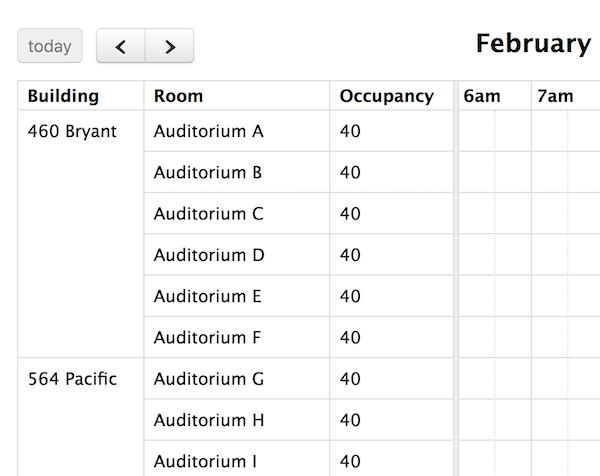
Timeline view with column grouping
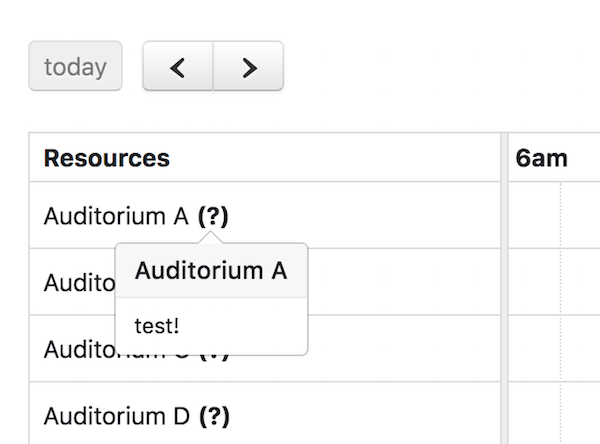
Using resourceLabelDidMount with a popover in timeline-view