Docs Multi-Month Stack
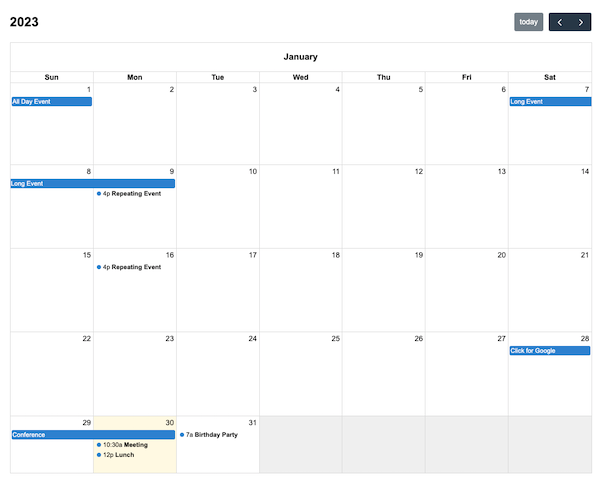
You can create a specific type of Multi-Month Grid with a single column. The user must scroll to see months beyond the first. This is achieved by setting multiMonthMaxColumns to 1.
Either install via script tags or ES build system. Then initialize the calendar in JavaScript:
import { Calendar } from 'fullcalendar'
import multiMonthPlugin from 'fullcalendar/multimonth'

const calendar = new Calendar(calendarEl, {
  plugins: [multiMonthPlugin],
  initialView: 'multiMonthYear',
  multiMonthMaxColumns: 1 // force a single column
});Months are separate by month headers that stick to the top of the scroll container. The text of the header is controlled by singleMonthTitleFormat.
There are numerous other options throughout the docs that affect the display of Multi-Month view, such as the date/time display options and locale-related options.
Without Month Headers
Want one continuous table of cells without month headers? See dayGridYear view »
Endless Scroll
Want endless scrolling of months that goes on forever? Follow this GitHub ticket »
See Also
singleMonthTitleFormat
In Multi-Month views, the format of the text above each month.
showNonCurrentDates
In month view, whether dates in the previous or next month should be rendered at all.
fixedWeekCount
Determines the number of weeks displayed in a month view.
businessHours
Emphasizes certain time slots on the calendar. By default, Monday-Friday, 9am-5pm.
weekends
Whether to include Saturday/Sunday columns in any of the calendar views.