Docs Date Navigation
Methods and settings that determine the view’s current dates.
initialDate
The initial date displayed when the calendar first loads.
dateIncrement
How far into the future/past the calendar navigates when prev/next is executed.
dateAlignment
Determines the first visible day of a custom view.
validRange
Limits which dates the user can navigate to and where events can go.
Methods
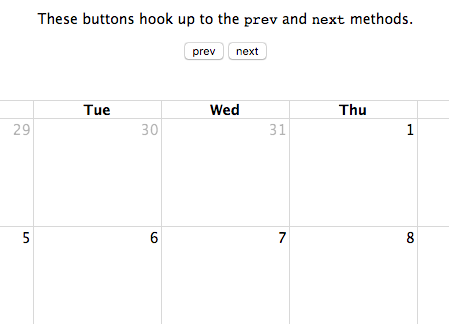
Calendar::prev
Moves the calendar one step back (by a month or week for example).
Calendar::next
Moves the calendar one step forward (by a month or week for example).
Calendar::prevYear
Moves the calendar back one year.
Calendar::nextYear
Moves the calendar forward one year.
Calendar::today
Moves the calendar to the current date.
Calendar::gotoDate
Moves the calendar to an arbitrary date.
Calendar::incrementDate
Moves the calendar forward/backward an arbitrary amount of time.
Calendar::getDate
Returns a Date for the current date of the calendar.