Docs Background Events
Events that appear as background highlights can be achieved by setting an Event Object’s display property to "background":
var calendar = new Calendar(calendarEl, {
  initialDate: "2014-11-10",
  initialView: "timeGridWeek",
  events: [
    {
      start: "2014-11-10T10:00:00",
      end: "2014-11-10T16:00:00",
      display: "background",
    },
  ],
});
Result:
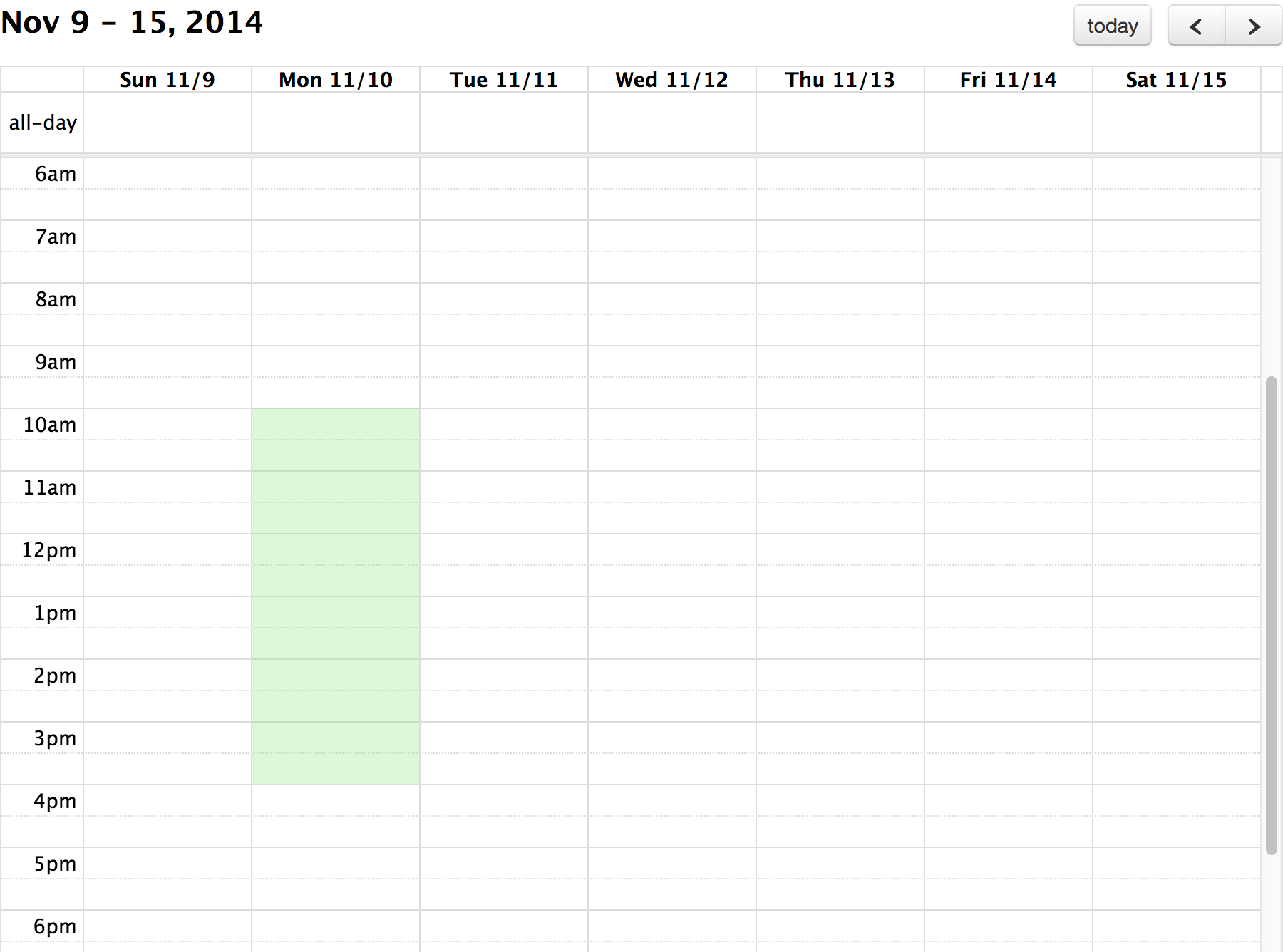
Background events that are timed will only be rendered on the time slots in TimeGrid view.
Color
To customize color, set one of the following:
- backgroundEventColor (calendar-wide)
- Event Source’s
colorproperty - Event Object’s
colorproperty
Class Names
To append class-names to a background event element, do one of the following:
backgroundEventClassor other Background Event Render Hook- Event Source’s
classNameproperty - Event Object’s
classNameproperty
Inverse Backgrounds
The spans of time not occupied by an event can be colored by setting the display property to "inverse-background":
var calendar = new Calendar(calendarEl, {
  initialDate: "2014-11-10",
  initialView: "timeGridWeek",
  events: [
    {
      groupId: "testGroupId",
      start: "2014-11-10T10:00:00",
      end: "2014-11-10T16:00:00",
      display: "inverse-background",
    },
  ],
});
Result:
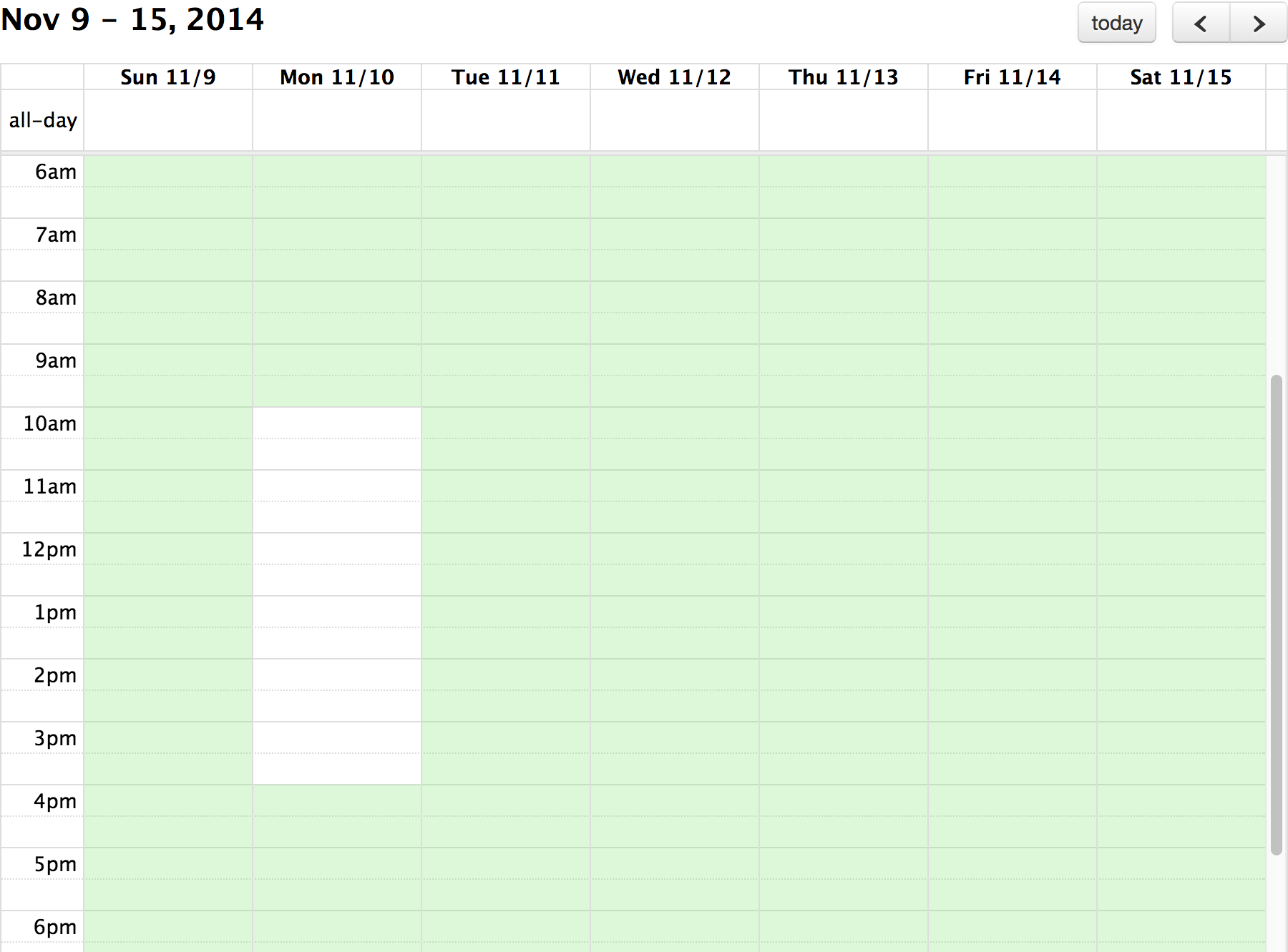
Events that share the same groupId will be grouped together when this rendering happens.
Modifying Events
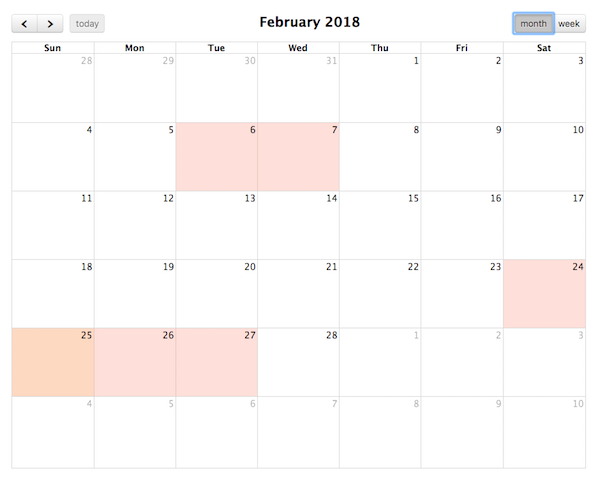
The editable property of a calendar determines whether the events on it can be modified. However, Background Events are not editable. They can not be dragged or resized.
Demo:
Background Events